How to Change Your Xfinity WiFi Password (App or Gateway, 2026)
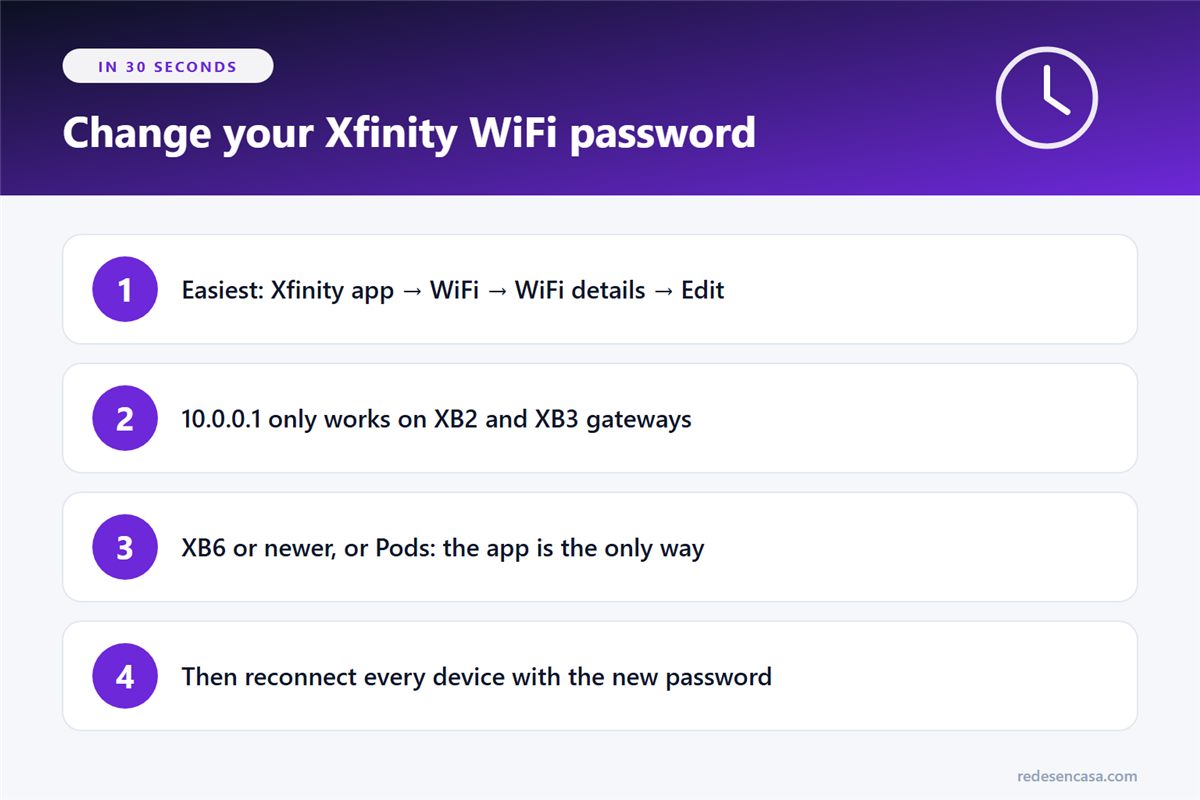
Changing your Xfinity WiFi password takes about five minutes, and the quickest way is the Xfinity app. There’s also the gateway’s Admin Tool at 10.0.0.1, but it only works on older XB2 and XB3 gateways. On newer gateways, or if you have xFi Pods, the app is the only way.
It’s worth doing as soon as your service is installed (the default password is printed on the gateway sticker), if you’ve shared it with too many people, or if you think someone is using your connection without permission. Here are both methods step by step, how to tell which one applies to you, and how to get your devices back online.
Tabla de Contenidos
Before you start: two different passwords
- Your Xfinity WiFi password: the one you type on your phone to connect. The default one is on the gateway sticker. This is the one we’re changing.
- The gateway admin password: the one that protects the Admin Tool at 10.0.0.1. You only need it for the second method.
One more thing: if you use your own modem and router instead of a rented Xfinity gateway, the Xfinity app can’t change your WiFi settings. Use your router’s own app or settings page; we explain the general process in how to change your router password.
The ways to change your Xfinity WiFi password
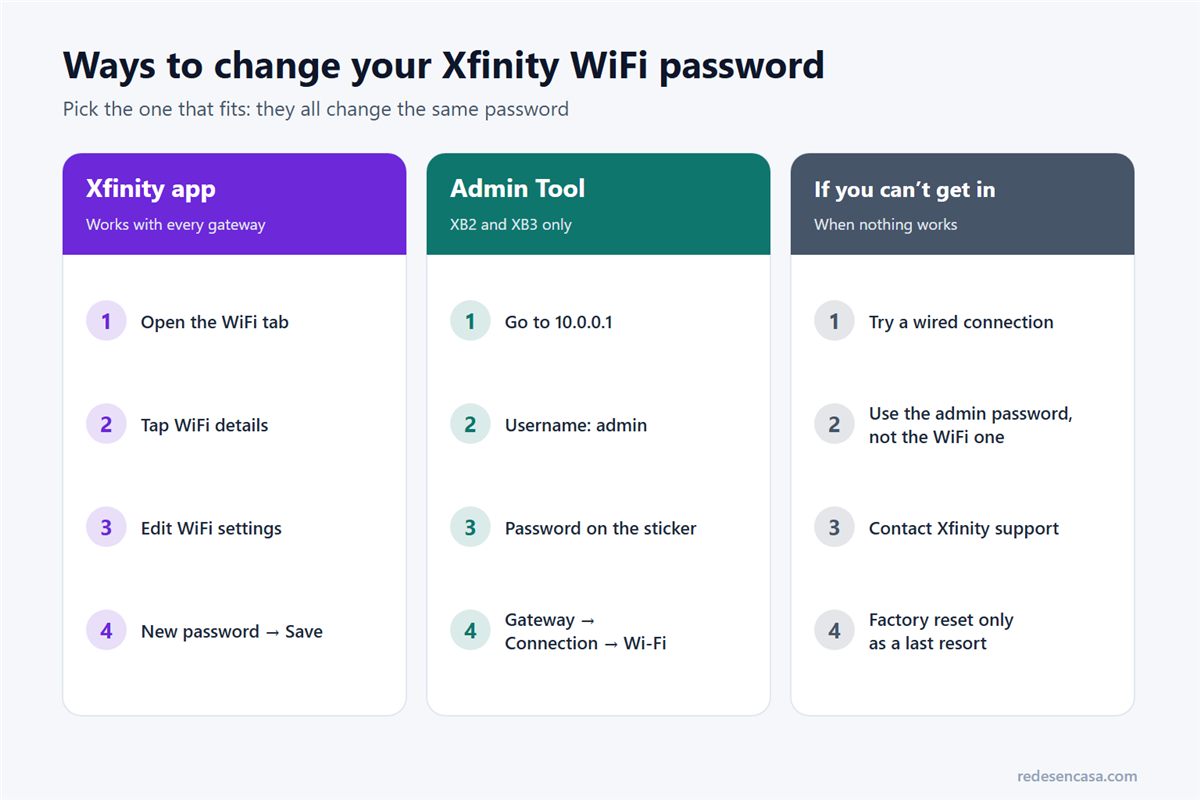
- Xfinity app: works with every Xfinity gateway, and it’s what Xfinity recommends.
- Admin Tool (10.0.0.1): only on rented XB2 and XB3 gateways.
- Xfinity support: if you can’t get in either way.
Option 1: in the Xfinity app
- Open the Xfinity app and sign in.
- Go to the WiFi tab and select WiFi details.
- At the bottom, select Edit WiFi settings. Here you can see or change your network name and password.
- Enter the new password and save.
The change takes a few minutes to reach the gateway, and every device on WiFi disconnects. Reconnect them with the new Xfinity WiFi password.
Option 2: the Admin Tool at 10.0.0.1 (XB2 and XB3 only)
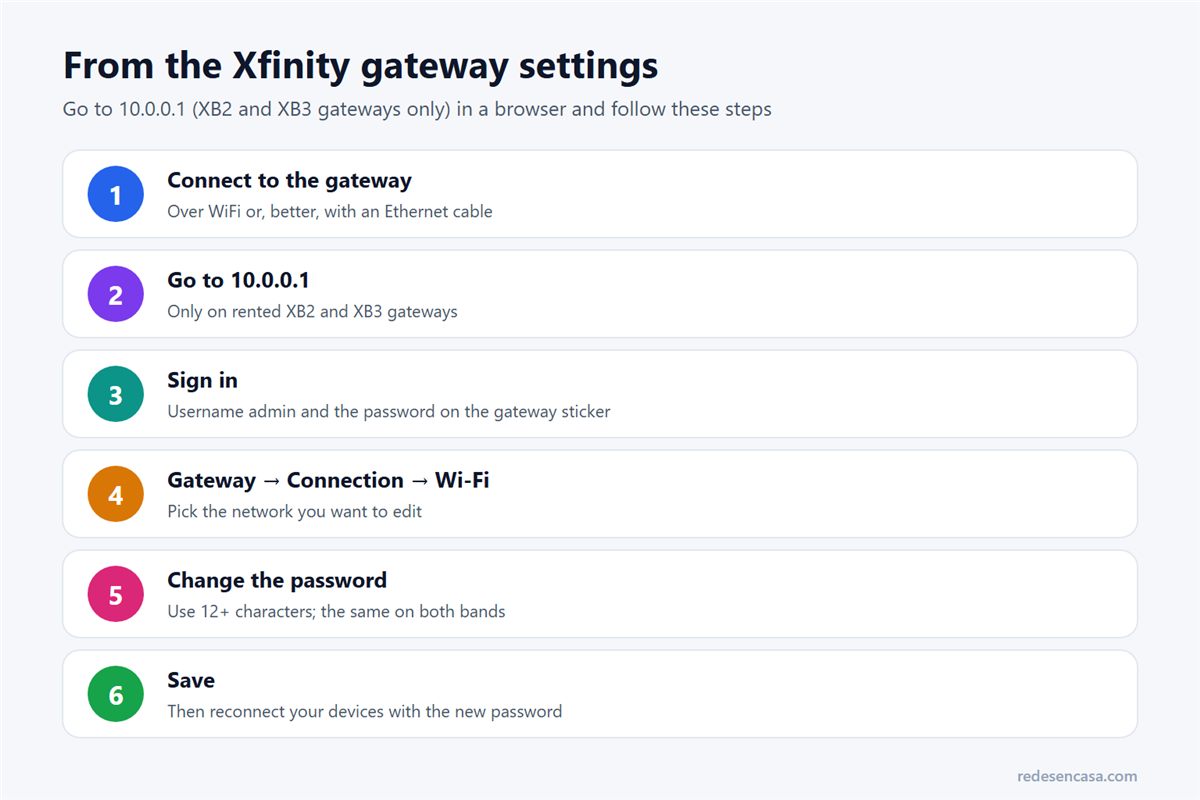
Xfinity only lets you change the network name and password in the Admin Tool on rented XB2 and XB3 gateways. If you have an XB6 or newer, or Xfinity WiFi extenders (xFi Pods) on your network, use the app.
- Connect to the gateway, over WiFi or with an Ethernet cable.
- Go to http://10.0.0.1 in a browser.
- Sign in with the username admin and the password printed on the gateway sticker. If the sticker is missing, contact Xfinity.
- Go to Gateway → Connection → Wi-Fi and edit the network.
- Enter the new password and save.
If WiFi Intelligence is turned on, the Admin Tool can’t change the WiFi name or password anymore. You’ll find it in the app under WiFi, View WiFi equipment and Advanced settings.
Which method works with your gateway
| Your setup | Xfinity app | Admin Tool (10.0.0.1) |
|---|---|---|
| Rented XB2 or XB3 gateway | Yes | Yes |
| Rented XB6 or newer gateway | Yes | No: app only |
| Any gateway with xFi Pods or WiFi extenders | Yes | No: app only |
| Your own modem and router | No | No: use your router’s app |
You’ll find your gateway model on its label or in the Xfinity app, under the WiFi equipment section.
How to pick a strong WiFi password
Since you’re changing your Xfinity WiFi password anyway, make the new one count. These rules are enough:
- At least 12 characters. A phrase you can remember beats a short word full of symbols.
- Mix upper and lower case and numbers. Skip unusual symbols: some printers, smart plugs and older devices won’t accept them.
- Nothing personal: not your name, street, phone number or birthdays.
- WPA2 or WPA2/WPA3 security if the gateway lets you choose. Never WEP or an open network.
Not sure which security mode to pick? We explain it in WPA2 vs WPA3, and how to secure your home network covers the other settings most people skip.
After the change: reconnect your devices
As soon as you save the new password, everything on WiFi disconnects. Reconnect each device:
- Phones and laptops: pick your network and enter the new password. If they don’t ask, choose «Forget this network» and connect again.
- Smart TV and streaming sticks: rejoin the network from the TV’s network settings. If it keeps dropping afterwards, see smart TV keeps disconnecting from WiFi.
- Consoles, Alexa and printers: these are the ones that most often get stuck. We have guides for Alexa, the printer and Xbox.
- Tip if you replace the gateway: give the new one the same network name and password as the old one, and most devices reconnect on their own.
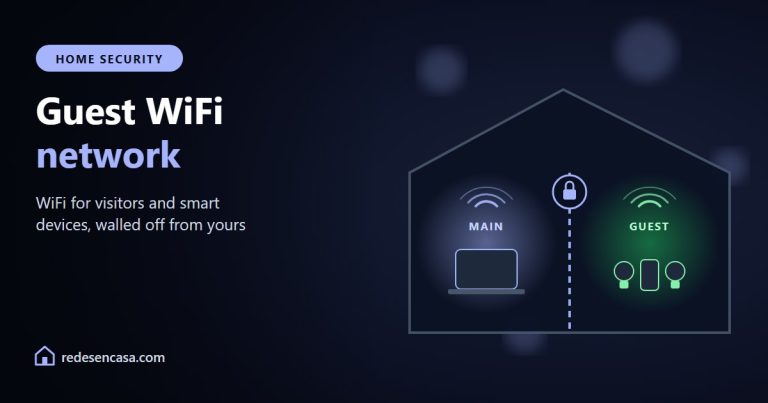
If you changed your Xfinity WiFi password because you suspected someone was using your connection, check afterwards which devices are still on it with how to tell if someone is using your WiFi. And if you often share the password with guests, a guest WiFi network saves you from changing it again.
Xfinity WiFi doesn’t reach every room?
A new password won’t improve coverage. If some rooms get a weak signal, you have two options: rent the extenders Xfinity offers, or add your own. A mesh system covers a whole home with one network; the first unit connects to the Xfinity gateway with a cable and the others spread the signal.
If only one room is the problem, a WiFi 6 extender like the TP-Link RE700X is enough.
More options in the best WiFi mesh systems and the best WiFi extenders.
And when you’re away from home
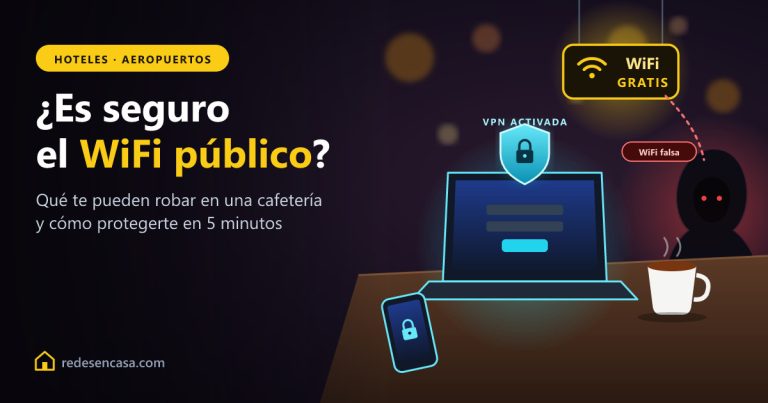
A strong password protects your home network, but it does nothing for you on public WiFi: the network at a coffee shop, hotel or airport is shared with strangers. There, what protects you is a VPN, which encrypts everything you send from your phone or laptop. We explain it in is public WiFi safe?.
One of the easiest to use is NordVPN: it works on any connection, including Xfinity and your mobile data, installs in a minute and has a 30-day money-back guarantee.
Xfinity WiFi password: FAQ
How do I change my Xfinity WiFi password from my phone?
In the Xfinity app: open the WiFi tab, select WiFi details and then Edit WiFi settings at the bottom. Enter the new password and save.
What is the default Xfinity gateway admin password?
Xfinity says it’s printed on the sticker on the gateway, and the username is admin. If the sticker is missing, contact Xfinity.
Why can’t I change my WiFi password at 10.0.0.1?
Because the Admin Tool only manages the WiFi name and password on rented XB2 and XB3 gateways. On XB6 and newer, or with xFi Pods, you have to use the Xfinity app. It also stops working if WiFi Intelligence is on.
I forgot my new Xfinity WiFi password. What now?
Open the Xfinity app and look under WiFi details: you can see the current password there. If you can’t get into the app either, a factory reset of the gateway brings back the password on the sticker, but you’ll lose your custom settings.
Do I need to reconnect everything after changing it?
Yes. Every device on WiFi disconnects and needs the new password. Devices connected by Ethernet cable aren’t affected.
Conclusion
The quickest way to change your Xfinity WiFi password is the Xfinity app: WiFi tab, WiFi details and Edit WiFi settings. The Admin Tool at 10.0.0.1 only works on XB2 and XB3 gateways, and not if you have xFi Pods. Pick a password of 12 characters or more and reconnect your devices.
🔎 Can’t log in? Our router login finder has the address, username and password for every provider and brand, plus what to do if the page won’t load.