WPA2 vs WPA3: Which Should You Use on Your Router? (2026)
Choosing between WPA2 vs WPA3 is one of those router settings most people skip — and one of the few that genuinely matters. It decides how your WiFi encrypts everything that travels through the air in your home, and how hard it is for someone parked outside to crack your password.
This guide explains the WPA2 vs WPA3 difference in plain English: what each one protects, which devices support what, and exactly which setting to pick on your router (spoiler: for most homes it’s neither one nor the other, but the mixed mode).
Table of Contents
What WPA actually is (30-second version)
WPA (WiFi Protected Access) is the standard that encrypts the radio signal between your devices and the router. Without it, anyone in range could read your traffic out of the air. There have been four generations: WEP (broken since 2001), WPA (broken), WPA2 (2004, still everywhere) and WPA3 (2018, the current standard). Your router’s security setting decides which one your network speaks.
WPA2 vs WPA3: the real differences
Beyond marketing, these are the differences that affect you:
- Password cracking resistance: WPA2 allows offline dictionary attacks — capture the handshake once, then try millions of passwords at home. WPA3 forces attackers to interact with the network for every single guess, making brute force impractical.
- Weak passwords survive better: under WPA2, a weak password is a broken network. WPA3’s SAE handshake protects even mediocre passwords reasonably well.
- Forward secrecy: with WPA3, even if someone eventually got your password, they can’t decrypt traffic they recorded in the past. WPA2 offers no such protection.
- KRACK-style flaws: the famous WPA2 vulnerabilities from 2017 are fixed by design in WPA3.
- Public network encryption: WPA3 encrypts traffic even on open networks (Enhanced Open) — WPA2 open networks send everything in the clear.
Comparison table
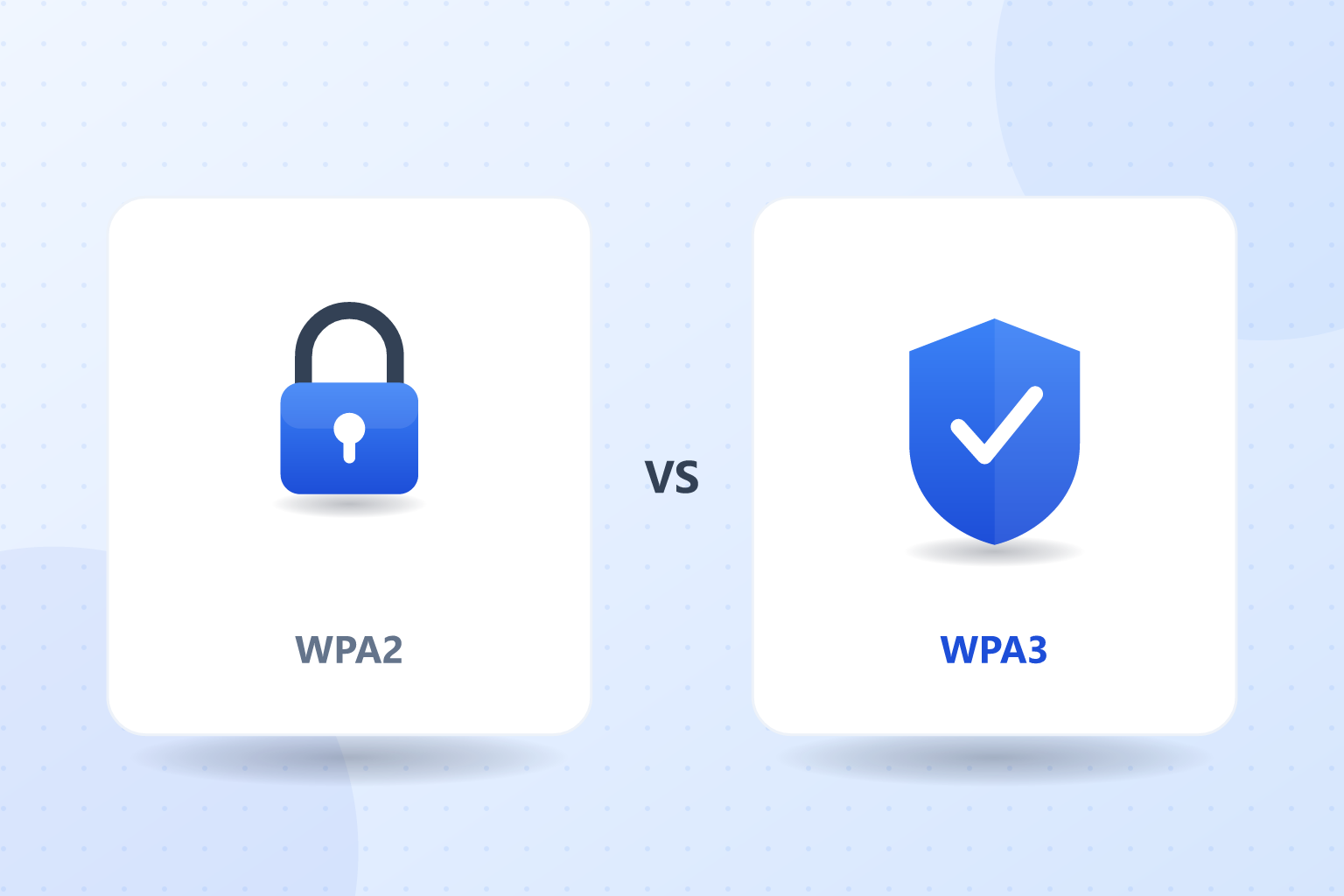
| WPA2 | WPA3 | |
|---|---|---|
| Year introduced | 2004 | 2018 |
| Handshake | PSK (4-way) | SAE (Dragonfly) |
| Offline password attacks | Possible | Blocked |
| Forward secrecy | No | Yes |
| Protects weak passwords | Poorly | Well |
| Device support | Universal | Devices from ~2019 onward |
| Verdict for homes | Acceptable with strong password | Recommended where possible |
Compatibility: will my devices work with WPA3?
This is where the WPA2 vs WPA3 decision gets practical. WPA3 support requires WiFi 5/6 hardware and drivers from roughly 2019 onward:
- Almost certainly compatible: phones and laptops from 2019+, consoles from the PS5/Xbox Series generation, recent smart TVs.
- Often NOT compatible: smart plugs, bulbs, cameras, printers, robot vacuums and older devices — many only speak WPA2.
- The catch: if you set the router to WPA3-only, every WPA2-only gadget silently drops off the network. This is the number one cause of «my smart plug stopped working after I changed a setting».
How to enable WPA3 on your router
- Open the router panel: 192.168.1.1 (or 192.168.0.1) in your browser.
- Log in and go to Wireless → Security (naming varies by brand).
- In the security/encryption dropdown, choose WPA2/WPA3 mixed mode (sometimes shown as «WPA2/WPA3-Personal» or «WPA3 Transition»).
- Save — the router may reboot the WiFi. Devices reconnect with the same password.
Mixed mode is the right answer for almost every home: modern devices negotiate WPA3 automatically, older gadgets keep working on WPA2, and you upgrade security without breaking anything. Only choose pure WPA3 if literally everything you own is recent.
What if your router doesn’t support WPA3?
If the WPA3 option doesn’t exist in your panel, first update the firmware — some routers added it in updates (our .BIN firmware guide covers the process). If it’s still missing, your router predates 2019: with a strong, unique WiFi password, WPA2 remains workable — but if that router is also slow or unstable, WPA3 support is one more good reason to renew it with any current WiFi 6 model.
The extra layer both miss: a VPN
Here’s what neither side of the WPA2 vs WPA3 debate covers: WPA only encrypts the radio link between your device and your router. The moment your traffic leaves home toward the internet, that protection ends — your internet provider and any network in between can see where you connect. A VPN like NordVPN encrypts the entire journey, on any network, home or public, with a 30-day money-back guarantee to try it. It’s the layer that completes the picture regardless of which WPA your router speaks.
FAQ: WPA2 vs WPA3
Is WPA3 really more secure than WPA2?
Yes, meaningfully. WPA3 blocks the offline password-cracking attacks that WPA2 allows, protects weaker passwords with its SAE handshake, adds forward secrecy, and fixes the KRACK-class vulnerabilities by design. It’s not marketing — it’s a generational security upgrade.
Should I use WPA2/WPA3 mixed mode or WPA3 only?
Mixed mode, for almost everyone. It gives modern devices full WPA3 security while letting older gadgets (smart plugs, cameras, printers) keep connecting via WPA2. WPA3-only mode silently disconnects every device that doesn’t support it.
Is WPA2 still safe to use in 2026?
With a long, unique password, WPA2 is still acceptable for home use — its main weakness is offline dictionary attacks against weak passwords. If your router can’t do WPA3, a strong password covers most of the gap until you renew the hardware.
Why won’t my smart plug connect after enabling WPA3?
Because most budget smart devices only support WPA2. If you set the router to WPA3-only, they drop off the network. Switch to WPA2/WPA3 mixed mode and they’ll reconnect — you keep WPA3 for the devices that support it.
Does WPA3 make my internet faster?
No — WPA is about encryption, not speed. Any speed difference after switching comes from the router rebooting or devices renegotiating their connection. For actual speed improvements, look at WiFi standards (WiFi 5 vs 6), channels and coverage instead.
Do I need a VPN if I already use WPA3?
They protect different segments. WPA3 encrypts the wireless link inside your home; a VPN encrypts your traffic across the whole internet, hiding your activity from your provider and protecting you on any network, including public WiFi. Security-conscious users run both.
Conclusion
The WPA2 vs WPA3 verdict is simple: WPA3 wins on every security front, but compatibility makes WPA2/WPA3 mixed mode the smart setting for real homes — modern protection where possible, nothing breaks. Two minutes in the router panel and you’re done.
And remember the bigger picture: WPA protects the air inside your house. For everything beyond your router — privacy from your provider, safety on public networks — that’s what a VPN is for.