Strict NAT Type: What It Means and How to Fix It on PS5, Xbox and PC
A strict NAT type is the worst connection type for online gaming. It stops you joining your friends’ lobbies, breaks party chat and makes matchmaking take forever. It has nothing to do with how fast your internet is: it is a router setting, and in most homes you can fix it in about ten minutes.
Here is what a strict NAT type actually means, how to check yours on PS5, Xbox or PC, and how to fix it step by step, from the easiest change to the one that needs a call to your internet provider. If you plan to play a big launch online, like GTA 6, sort it out a few days before.
Tabla de Contenidos
What a strict NAT type is
Your router has a single public address on the internet and shares it with every device in your home. That translation is called NAT (Network Address Translation). For browsing you never notice it, but online games need something extra: other players must be able to connect straight to your console.
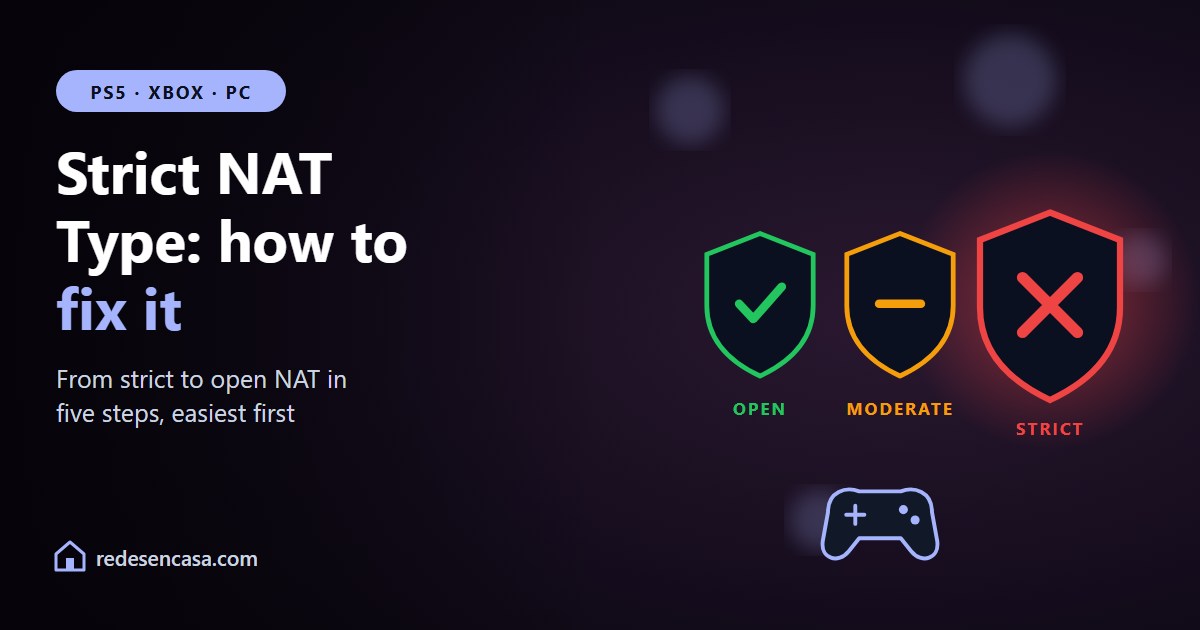
With a strict NAT type, the router blocks those incoming connections. Your console can reach out, but nobody can reach in. The result: you can only play with people whose NAT is open, you cannot host games, and group chat keeps failing. With a moderate NAT you connect with almost everyone; with an open NAT, with everyone.
NAT types: open, moderate and strict

| Type | On PS5 | On Xbox | What it means |
|---|---|---|---|
| Open | Type 1 | Open | You connect with anyone and can host |
| Moderate | Type 2 | Moderate | You connect with almost everyone. Normal at home |
| Strict | Type 3 | Strict | Only with open-NAT players. Chat and matchmaking problems |
One PS5 detail: Type 1 means the console is connected directly to the internet with no router in between. In a normal home with a router, Type 2 is the right result and there is nothing to fix. The one to fix is Type 3, the strict NAT type.
How to check your NAT type
- PS5: Settings → Network → Connection Status → Test Internet Connection. The NAT type appears at the end of the test.
- Xbox Series X|S: Settings → General → Network settings. The NAT type is shown in the network status, and you can force a check with «Test NAT type».
- PC: many games show the NAT type in their network menu, and the Xbox app for Windows checks it in its network settings.
Run the test with the console connected the way you normally play. The NAT type does not depend on cable or WiFi, but it does depend on the router you are connected to: if you use a mesh system or a second router, the test has to go through it.
How to fix a strict NAT type, step by step

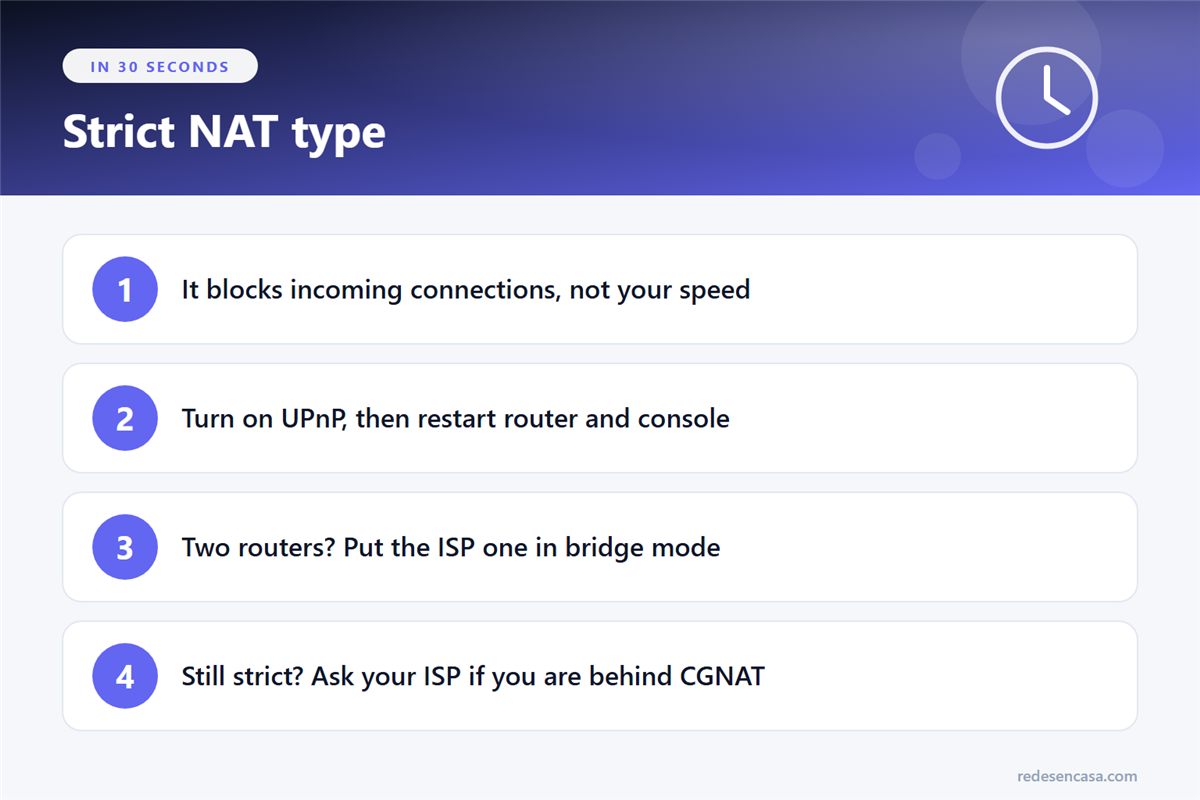
Follow this order. The first two steps fix a strict NAT type in most homes; the rest are for when they are not enough.
1. Turn on UPnP in your router
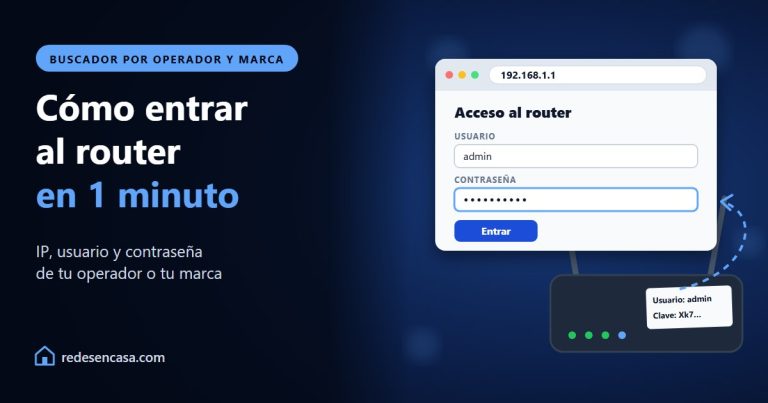
UPnP lets the console ask the router to open the ports it needs, with nothing else for you to do. Most routers ship with it on, but not all. Log in to your router (usually 192.168.0.1, 192.168.1.1 or 10.0.0.1), look for UPnP in the advanced settings and switch it on.
2. Restart the router and the console, then test again
After enabling UPnP, turn the router off, wait thirty seconds and turn it back on. Then restart the console and repeat the connection test. Very often the NAT goes from strict to moderate with this alone.
3. If you have two routers, remove the double NAT
This is the most common cause of a strict NAT type that UPnP does not fix. It happens when you connect your own router, or a mesh system in router mode, behind your provider’s router: two devices are doing NAT one after the other, and the console is trapped behind the second one.
The clean fix is to put your provider’s router in bridge (or modem) mode, so it only passes the connection through and your router manages the network. If your provider does not allow it, put your own router’s IP in the DMZ of the provider’s router. With a mesh system, another option is to switch the mesh to access point (bridge) mode.
4. Give the console a static IP and forward the ports
If UPnP does not work or your router does not have it, do it by hand. First reserve a fixed IP for the console (usually in the DHCP section, as «address reservation»). Then, under port forwarding, forward the ports each manufacturer publishes to that IP. If you have never done it, our guide on how to open ports on your router walks you through it.
| Console | TCP ports | UDP ports |
|---|---|---|
| PS5 (Sony) | 80, 443, 3478, 3479, 3480 | 3478, 3479, 49152-65535 |
| Xbox Series X|S (Microsoft) | 53, 80, 3074 | 53, 88, 500, 3074, 3544, 4500 |
Save, restart the console and test again. On PC, each game lists its own ports on the publisher’s support site.
5. Still strict? Check for CGNAT
Some providers share one public IP between many customers. This is called CGNAT (carrier-grade NAT), and it is common with 5G and 4G home internet, satellite services like Starlink and some budget fiber plans. Behind CGNAT there is nothing you can open from your router, because your provider’s NAT sits above yours.
To check, look at the WAN (internet) IP on your router’s status page and compare it with the one any «what is my IP» website shows. If they do not match, or the router’s starts with 100.64 to 100.127, you are behind CGNAT. Ask your provider for a public IP address; depending on the provider it is free or a small monthly add-on.
What about the DMZ? Only as a last resort
Putting the console in the router’s DMZ opens every port to it at once. It almost always works, but it leaves the console fully exposed to the internet. On a console the risk is low because it is a closed system. Never put a PC in the DMZ. Use it only if nothing above worked, and only for the console.
Strict NAT, cables and lag: do not mix them up
A clarification that saves money: switching to a cable does not change your NAT type, and buying a pricier router does not fix it by itself either. A strict NAT type is a configuration problem, not a speed or coverage problem.
Lag is a different story. If your NAT is moderate or open and games still stutter, the problem is the connection to the console, not the NAT. That is where a cable helps; see our PS4 WiFi lag fix, which applies to any console.
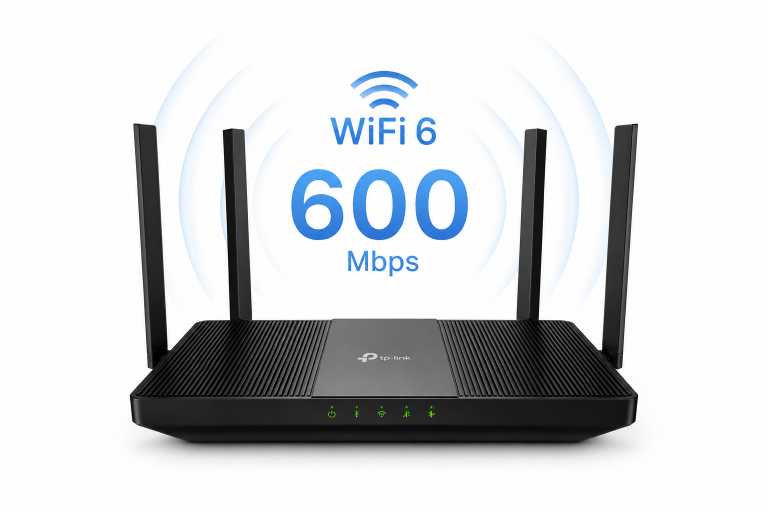
And if your provider’s router will not let you enable UPnP or forward ports (some are heavily locked down), your own router with the provider’s one in bridge mode gives you full control. The TP-Link Archer AX55 is a balanced choice for that.
Before a big launch, sort it out early
On the day a hugely anticipated online game comes out, servers are overloaded and it is easy to blame the game for problems that come from your router. If you are going to play GTA 6 (out on November 19 on PS5 and Xbox Series X|S) or any other big release online, run the NAT test a few days before. If it comes back strict, you have time to fix it calmly.
Strict NAT type: frequently asked questions
What does strict NAT type mean?
It means your router blocks incoming connections to your console or PC. You can go online, but other players cannot connect to you, so you can only play with people whose NAT is open, you cannot host, and voice chat fails. On PS5 it shows as Type 3 and on Xbox as «Strict».
How do I fix a strict NAT type?
In most homes, turning on UPnP in the router and restarting both the router and the console is enough. If not, check for two routers (double NAT) and put the provider’s one in bridge mode. Then give the console a static IP and forward the ports Sony or Microsoft publish. If none of that works, your provider may be using CGNAT and you will need to ask for a public IP.
Does a strict NAT type increase ping?
Not directly. A strict NAT limits who you can connect to, not your speed. But because you cannot connect to everyone, the game may pair you with worse matches or relay your connection through intermediate servers, and that can be noticeable. If your NAT is moderate and games still lag, the cause is usually WiFi.
Is it dangerous to enable UPnP?
For normal home use the risk is low, and it is the easiest way to fix the NAT. UPnP lets devices on your network open ports automatically, so an infected device could abuse it. Keep your router firmware updated and, if you prefer more control, turn it off and forward only the console’s ports by hand.
Will a wired connection fix a strict NAT type?
No. The NAT type depends on your router’s configuration, not on whether the console uses a cable or WiFi. A cable improves ping and stability, but to go from strict to moderate or open you need UPnP, to remove double NAT or to forward ports.
Conclusion
A strict NAT type is almost never your internet plan’s or your console’s fault: it is the router blocking connections coming in from outside. Start by turning on UPnP and restarting. If you have two routers, remove the double NAT. If needed, forward the official ports to a static IP. And if it is still strict after all that, call your provider in case you are behind CGNAT. In most homes the first two steps are enough to reach a moderate NAT and play with your friends again.