WiFi QR Code Generator: Free Printable Guest WiFi Card (2026)
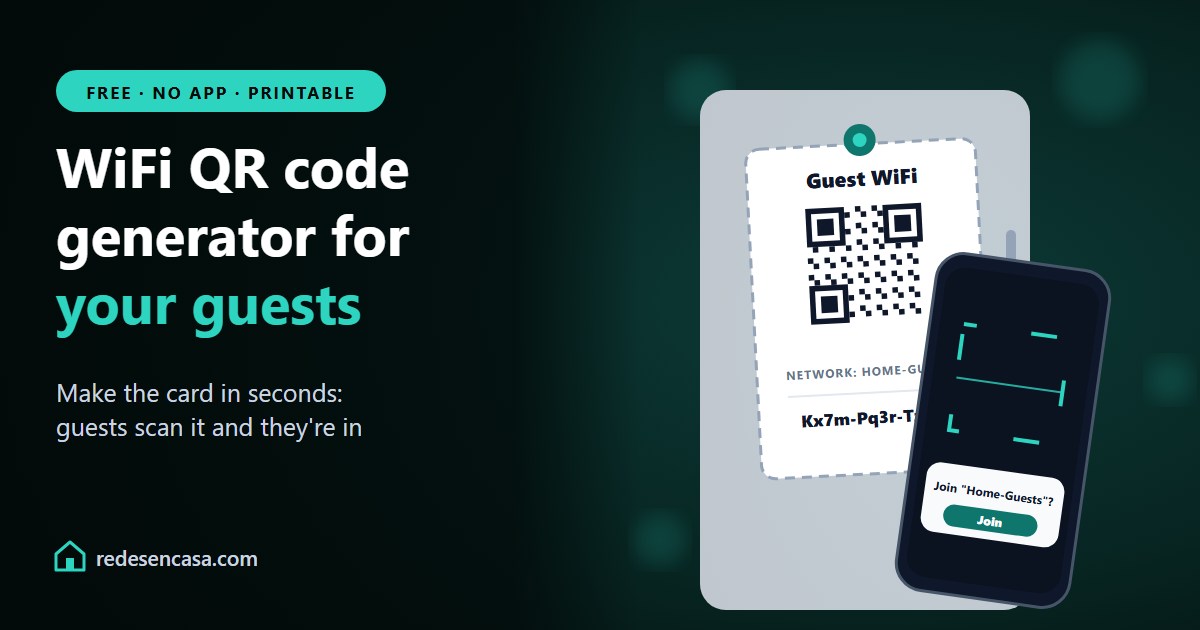
This WiFi QR code generator lets your guests join your network by pointing their phone camera at a code, with no password to spell out or type. Make one for free in seconds and get a card ready to print or to send by text.
Everything happens in your browser: your network name and password never leave your computer or phone.
WiFi QR code and guest card generator
Type your network and password: the card and the QR code update instantly
Scan with your phone camera to connect
🔒 Everything happens in your browser: your network name and password are never sent or stored anywhere.
Tabla de Contenidos
How to use the WiFi QR code generator
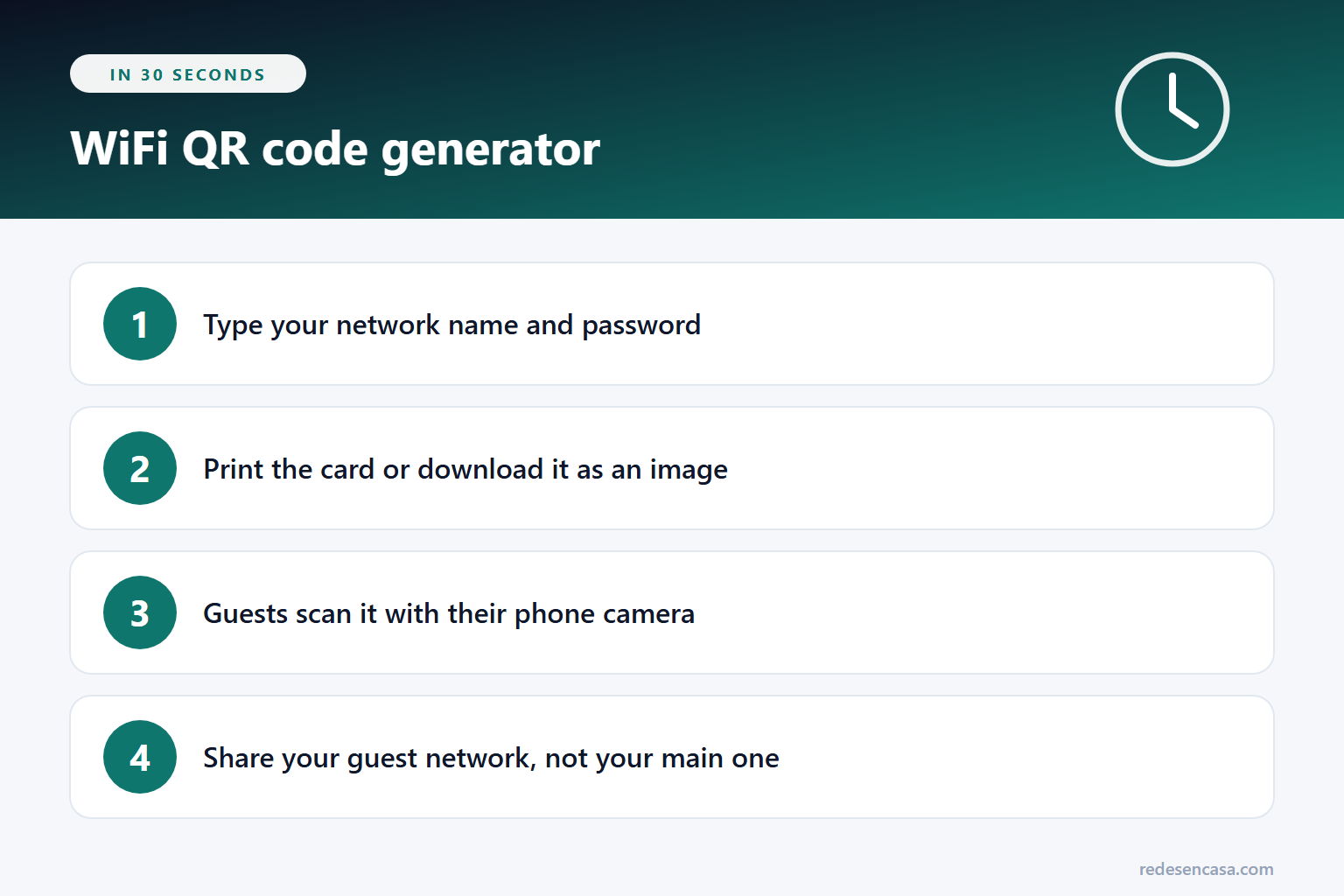
- Type your network name exactly, with its capitals, spaces and symbols.
- Type the password. If you're creating a new guest network, tap "Generate a strong one" and set that same password on your router.
- Pick the security type: almost every network today is WPA2 or WPA3.
- Check "Hidden network" only if your network doesn't show up in your phone's list.
- Print the card or download it as an image to share.
Before printing, test it: on your phone, forget the network, scan the code and check that it connects.
How to scan a WiFi QR code
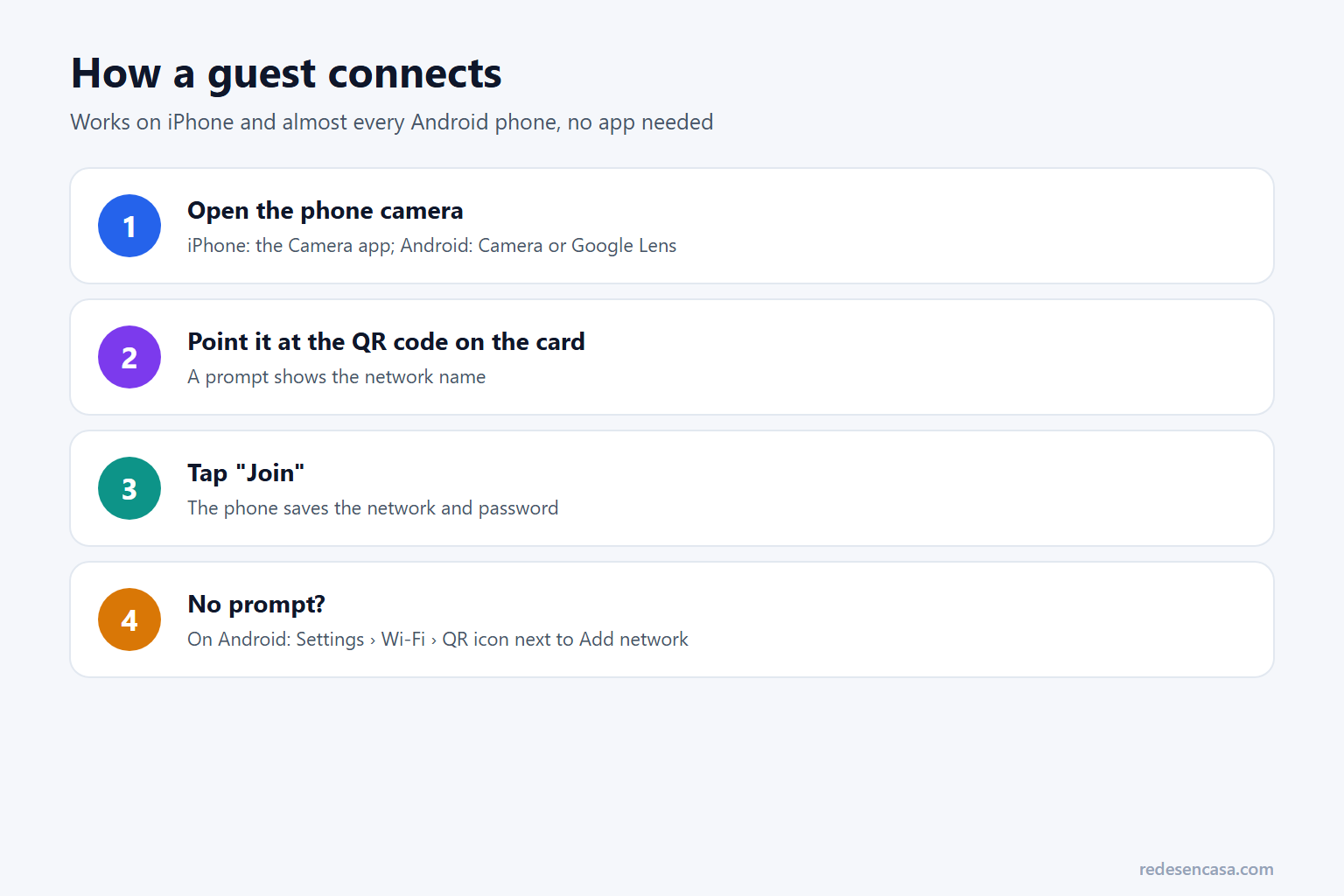
- iPhone: open the Camera app and point it at the code. A prompt to join the network appears; tap it and you're in.
- Android: use the Camera app or Google Lens. Since Android 10 you can also go to Settings › Wi-Fi and tap the QR icon next to "Add network".
- Samsung: the Camera reads QR codes when "Scan QR codes" is turned on in its settings.
Which network to share: your guest network
The card gives WiFi access to anyone who scans it, so it's best to share a guest network: it has its own password and keeps visitors away from your computers, printers and cameras. Most routers, and many provider gateways, have one in their WiFi settings.
If you share your main network, change the password now and then and make a new card. More tips in WPA2 vs WPA3 and, if you suspect someone is piggybacking, in how to tell if someone is using your WiFi.
If scanning doesn't connect
- The name or password isn't exact: both are case-sensitive, and one extra space is enough to fail.
- The network is hidden: check "Hidden network" and make the card again.
- The router is WPA3-only: some older phones can't join. Switch the router to WPA2/WPA3 mixed mode.
- You changed the password: the old card won't work; make a new one.
Don't know your WiFi password?
If you never changed it, it's on the router's sticker ("WiFi password" or "WPA key"). If you did, you can see it in your provider's app or in the router's settings; see how to change your router password.
Where to use your WiFi card
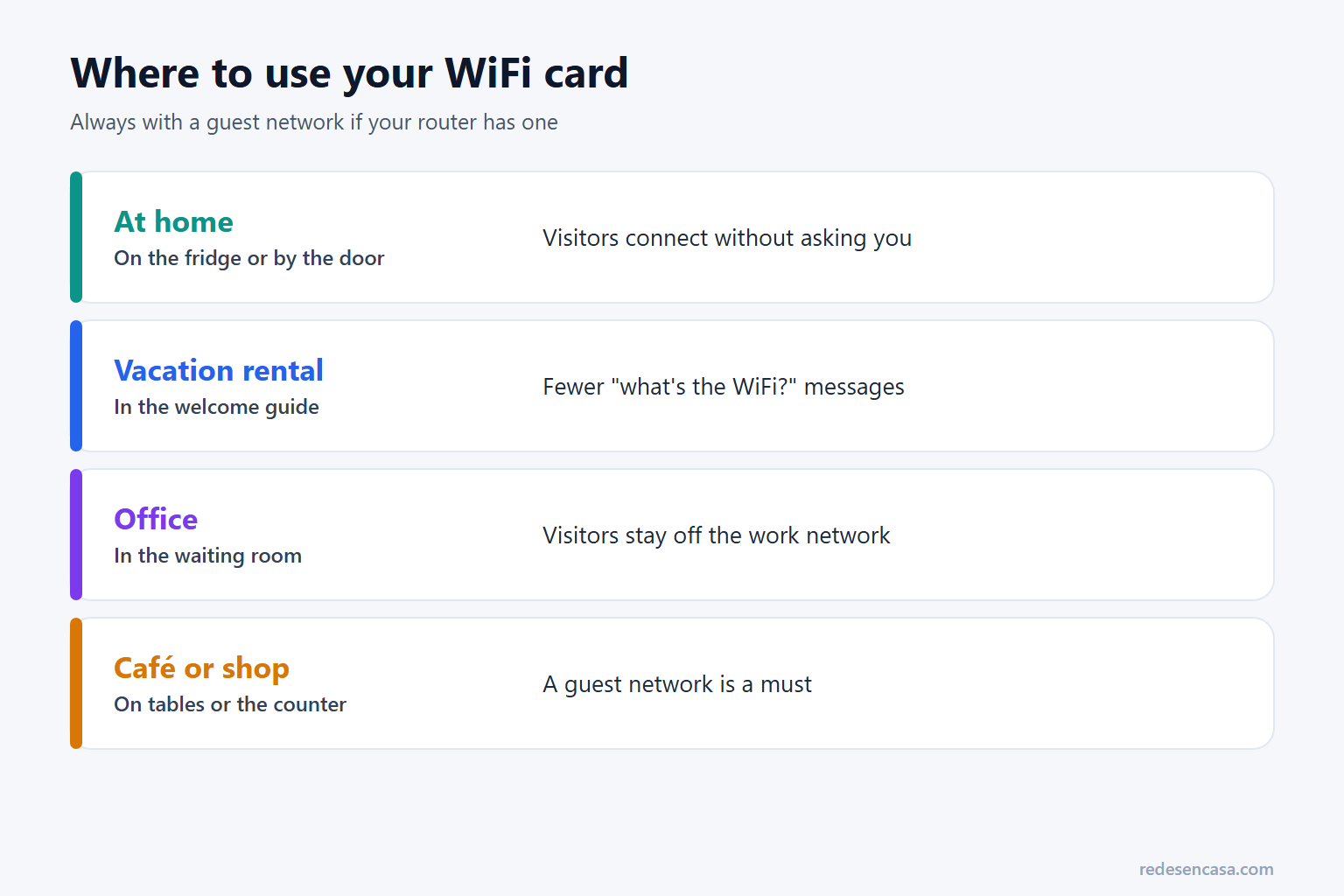
- At home: on the fridge or by the door, so visitors don't have to ask.
- Vacation rental: in the welcome guide; it saves a lot of "what's the WiFi?" messages.
- Office or practice: in the waiting room, on a network separate from your work one.
- Café, shop or event: on tables or the counter, always on a guest network.
WiFi QR code generator: FAQ
Is this WiFi QR code generator safe?
Yes. It runs entirely in your browser: your network name and password are never sent or stored anywhere. Keep in mind that whoever has the card has your password, so share it carefully, ideally for a guest network.
Does it work on iPhone and Android?
Yes. iPhones read it with the Camera app, and Android phones with the Camera, Google Lens or Settings › Wi-Fi on Android 10 and later. No app is needed.
Does a WiFi QR code expire?
No. It works as long as you don't change the network name or password. If you change either, make a new card.
Does it work with WPA3 networks?
Yes. The code uses the WPA type, which covers WPA2 and WPA3. If an older phone can't join a WPA3-only network, switch the router to WPA2/WPA3 mixed mode.
Can I share WiFi without a QR code?
Yes. On Android, Settings › Wi-Fi › your network › Share shows a QR code on screen. Between iPhones, if the other person is in your contacts and brings their phone close while joining, your iPhone offers to share the password.
Can I make a QR code for a network without a password?
Yes: choose "No password" under Security. But anyone nearby can use an open network, so use it only for guests.
Conclusion
A WiFi QR code is the easiest way to get guests online: nobody types a password and you never have to spell it out. Use the WiFi QR code generator, test the card with your phone, print it and, if your router allows it, share your guest network instead of your main one.