10.0.0.1 Xfinity Login: Admin Tool Username and Password (2026)
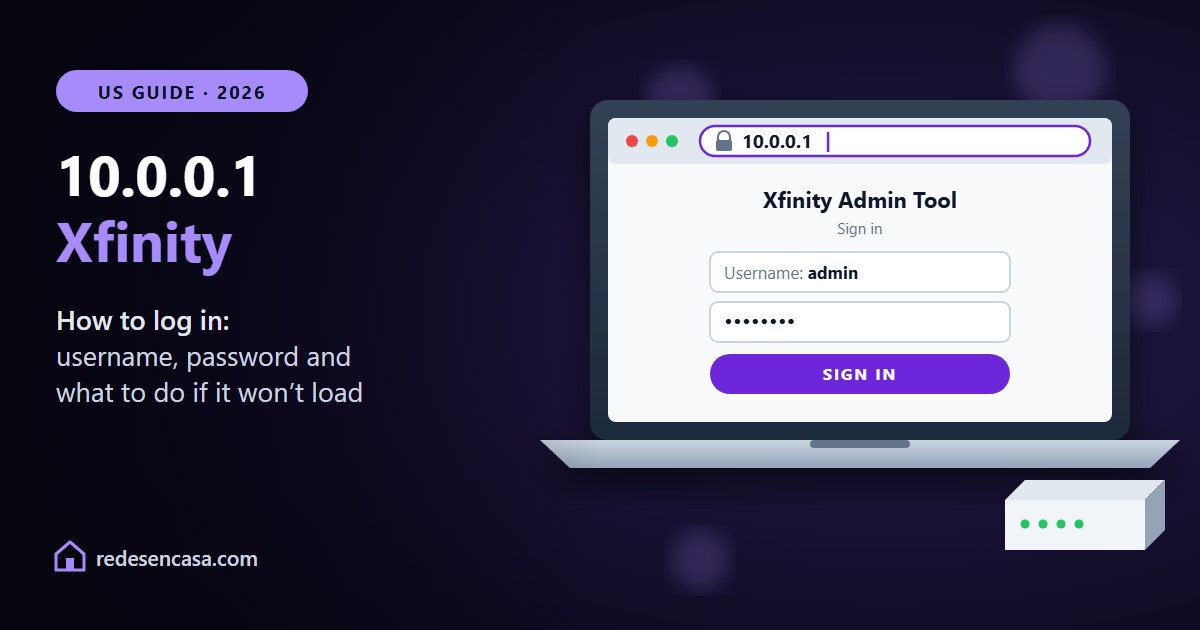
10.0.0.1 Xfinity is the address of the Admin Tool, the settings page of your rented Xfinity gateway. From there you can see connected devices, set up port forwarding, change the admin password and, on some gateways, change the WiFi name and password. All you need is a device connected to your network and the details on the gateway sticker.
Here’s how to log in step by step, which username and password to use, what to do if the page won’t load, and when you should use the Xfinity app instead.
Tabla de Contenidos
How to log in to 10.0.0.1 step by step
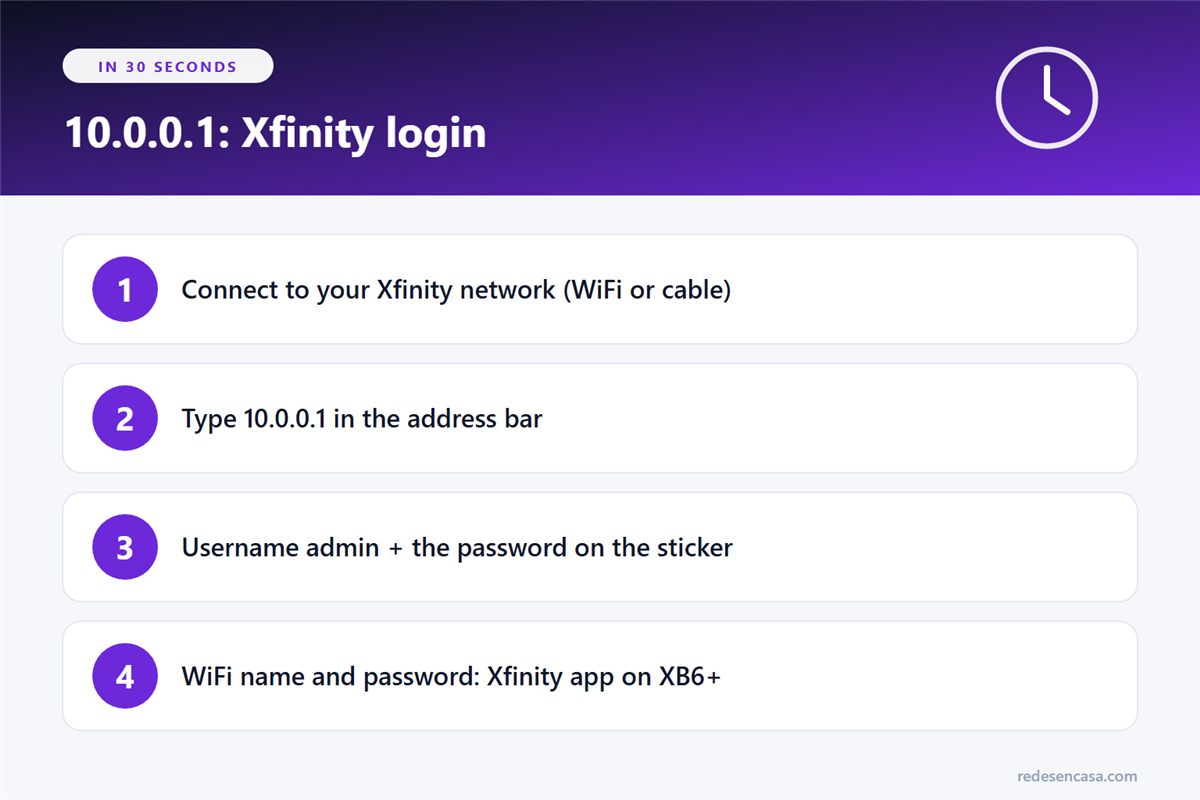
- Connect to your Xfinity network, over WiFi or with an Ethernet cable. If your phone is on cellular data, the page won’t open: turn data off for a moment.
- Open a browser and type 10.0.0.1 in the address bar at the very top, not in the Google search box.
- Enter the username admin and the gateway password. It’s on the sticker on the gateway; on older gateways that were never changed, it’s often simply “password”.
- The first time, the Admin Tool may ask you to set a new admin password. Pick one you’ll remember and write it down.
- You’re in. The main sections are Gateway, Connected Devices, Parental Control, Advanced and Troubleshooting.
The Admin Tool at 10.0.0.1 Xfinity looks the same on most rented gateways, but what you can change depends on the model, as you’ll see below.
10.0.0.1 username and password
| Detail | What to enter |
|---|---|
| Address | 10.0.0.1 (or http://10.0.0.1) |
| Username | admin |
| Password | The one on the gateway sticker; on old gateways never changed, often password |
| If neither works | Someone changed it: ask Xfinity, or as a last resort do a factory reset |
Careful: the admin password is not your WiFi password. The WiFi password is the one you type on your phone to connect; the admin password only opens the settings page. If you want to change the WiFi one, read how to change your Xfinity WiFi password.
If 10.0.0.1 Xfinity won’t load
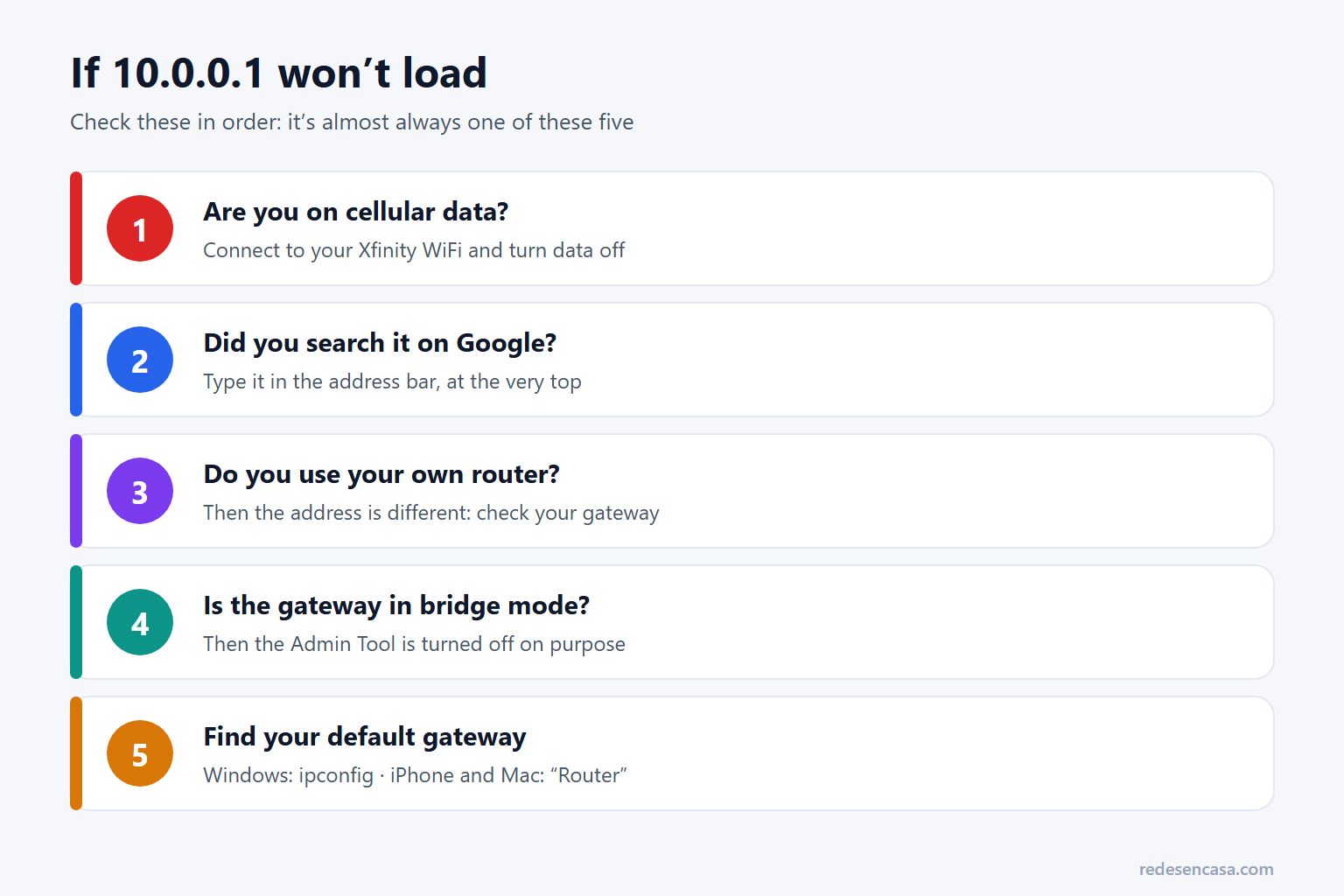
- Are you connected to your Xfinity network? On cellular data, on a neighbor’s WiFi or with a VPN turned on, the address doesn’t respond.
- Did you type it in the address bar? If you search for it on Google, you’ll get pages like this one instead of the Admin Tool.
- Do you use your own router? If you have your own router behind the Xfinity modem (or your own modem), 10.0.0.1 won’t be the right address: check your default gateway as shown below.
- Is the gateway in bridge mode? Then the Admin Tool is turned off on purpose, and you manage everything from your own router.
- Try another browser or a private window.
How to find your router address if it isn’t 10.0.0.1
Your router’s address is the “default gateway” of your network. If 10.0.0.1 doesn’t open anything, check yours on the device you’re using (connected to your WiFi):
| Device | Where to look |
|---|---|
| Windows | Open Command Prompt, type ipconfig and look for “Default Gateway” |
| Mac | System Settings → Network → Wi-Fi → Details → TCP/IP → Router |
| iPhone | Settings → Wi-Fi → the (i) next to your network → Router |
| Android | Settings → Wi-Fi → your network → Details (or the gear) → Gateway or “Router” |
Type that address into the browser and follow the same steps. Or use our router login finder, which gives you the address for each provider and brand.
When to use the Xfinity app instead
Xfinity is moving its settings to the Xfinity app. On newer gateways, 10.0.0.1 Xfinity still opens, but some options are only in the app:
| Your setup | WiFi name and password in the Admin Tool? |
|---|---|
| Rented XB2 or XB3 gateway | Yes |
| Rented XB6 or newer gateway | No: use the Xfinity app |
| Any gateway with xFi Pods or WiFi extenders | No: use the Xfinity app |
| WiFi Intelligence turned on | No: use the Xfinity app |
You’ll find your gateway model on its label or in the Xfinity app, in the WiFi equipment section.
What you can do in the Admin Tool
- See who’s connected: Connected Devices lists everything on your network. If you see devices you don’t recognize, read how to tell if someone is using your WiFi.
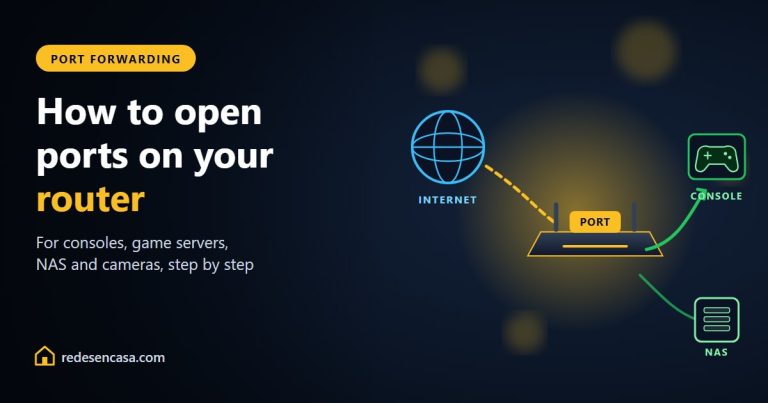
- Open ports for a game console or a camera, under Advanced → Port Forwarding: how to open ports on your router.
- Fix a strict NAT type on your console: strict NAT type fix.
- Restart the gateway from Troubleshooting → Reset/Restore Gateway, if your WiFi says connected but no internet.
What not to touch
Avoid the Restore Factory Settings option unless support tells you to: it erases your WiFi name, password and every setting. Don’t turn on bridge mode unless you have your own router ready, because you’ll lose WiFi from the gateway. And before you leave, change the admin password if it’s still “password”.
10.0.0.1 Xfinity: FAQ
What is the 10.0.0.1 Xfinity username and password?
The username is admin. The password is printed on the gateway sticker; on older gateways that were never changed, it is often the word password. If neither works, someone changed it.
Why won’t 10.0.0.1 load?
Usually because the device isn’t connected to your Xfinity network (for example, it’s on cellular data), the address was typed into a search box, or you use your own router, which has a different address. In bridge mode the Admin Tool is turned off.
Can I change my WiFi password at 10.0.0.1?
Only on rented XB2 and XB3 gateways, and only without xFi Pods or WiFi Intelligence. On newer gateways, use the Xfinity app: WiFi tab, WiFi details and Edit WiFi settings.
Can I log in to 10.0.0.1 from my phone?
Yes. Connect your phone to your Xfinity WiFi, turn off cellular data and type 10.0.0.1 in the browser.
How do I reset the 10.0.0.1 admin password?
If you can still log in, change it under Troubleshooting. If you can’t, a factory reset of the gateway brings back the password on the sticker, but it also erases your WiFi name, password and settings.
Conclusion
To log in to 10.0.0.1 Xfinity, connect to your network, type 10.0.0.1 in the address bar and sign in with admin and the password on the gateway sticker. If it won’t load, check that you’re not on cellular data or behind your own router. For the WiFi name and password on newer gateways, use the Xfinity app instead.