Best Powerline Adapters 2026: Which One to Buy for Gaming, Streaming and Work
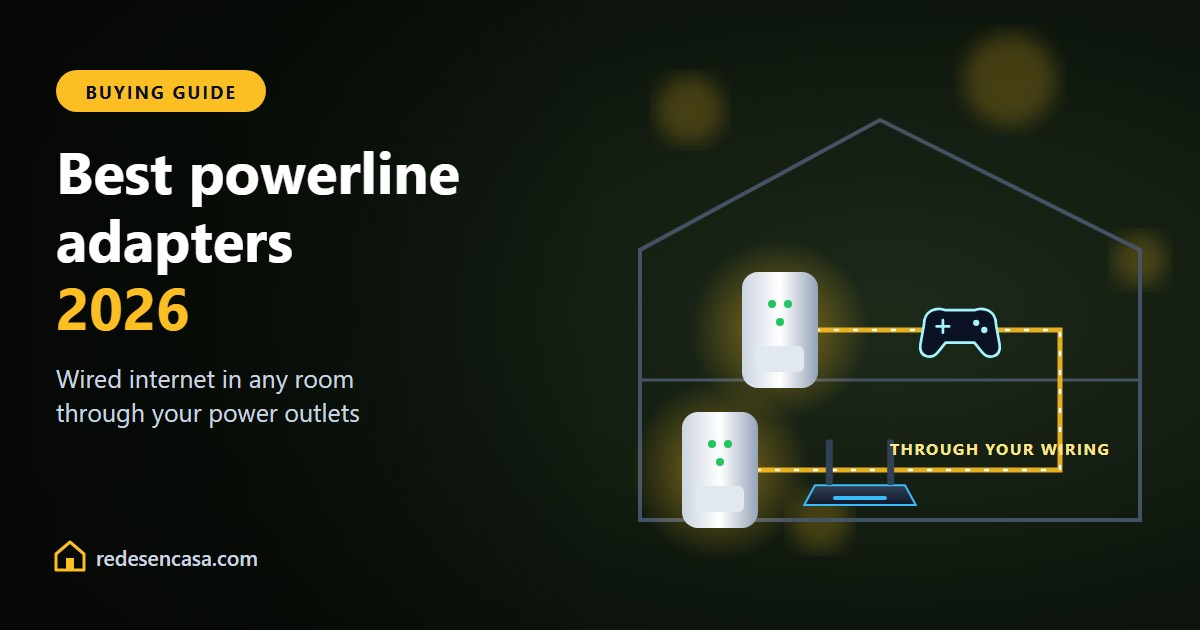
The best powerline adapters are not the most expensive ones or the ones with the biggest number on the box: they are the ones that suit your home’s wiring and what you need them for. Powerline adapters send your internet through your electrical wiring, and they are still the most stable way to get a wired connection to a console, TV or PC in another room without drilling a single hole.
In this guide we compare the best powerline adapters of 2026, with real-world speeds, a clear pick for each type of home, and the setup mistakes that make them slow.
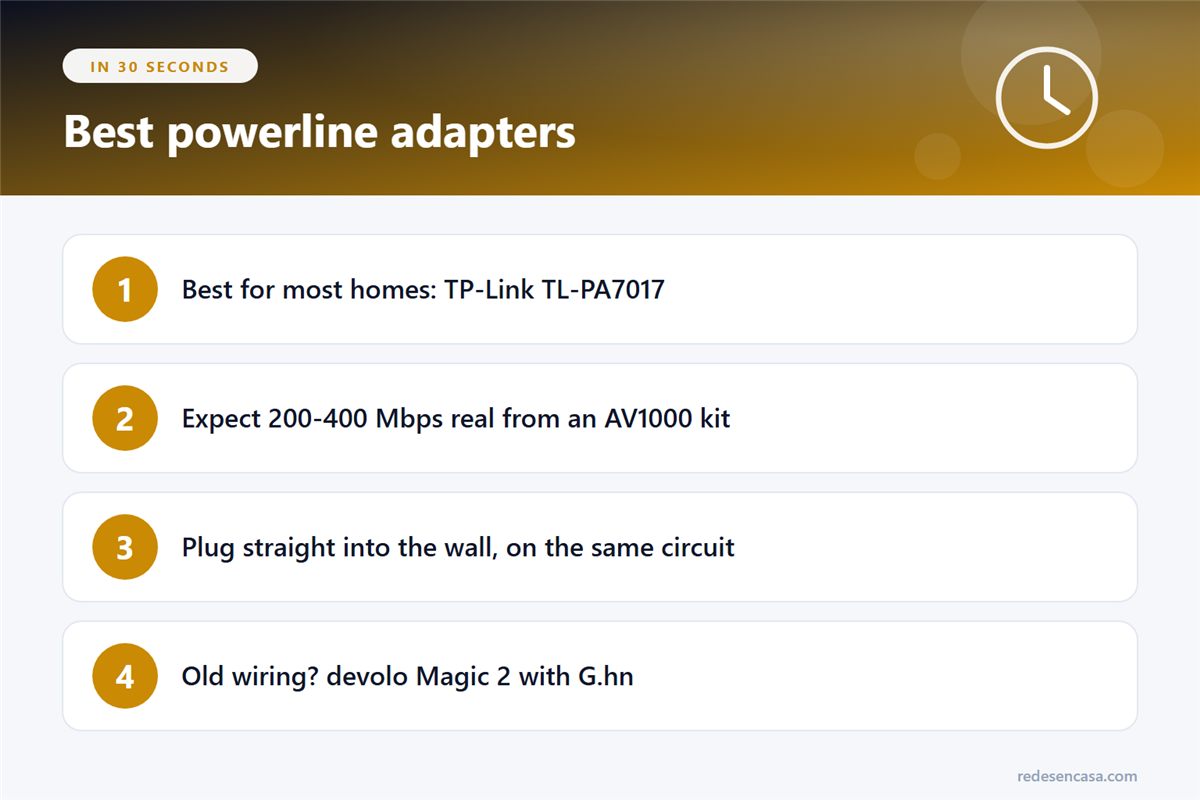
- Best for most homes: TP-Link TL-PA7017, a Gigabit AV1000 kit at a budget price.
- Keep your outlet free: TP-Link TL-PA7027P, with a pass-through socket.
- WiFi in the other room: TP-Link TL-WPA7617, with WiFi built in.
- Old or long wiring: devolo Magic 2 LAN, using the newer G.hn technology.
Tabla de Contenidos
What a powerline adapter is (and when it beats WiFi)
A powerline kit has two adapters. One plugs into the wall next to your router and connects to it with an Ethernet cable; the other goes in the room where you need internet. Data travels between them over your electrical wiring. No drilling, no flaky WiFi.
It beats WiFi and extenders when the router is at one end of the home and the console or office is at the other, when thick walls or another floor block the signal, or when you need the stable ping of a cable for gaming or video calls.
What to check before you buy
- Standard: HomePlug AV2 at minimum (sold as AV1000, AV1300 or AV2000), or G.hn. Skip old AV500 models.
- Gigabit Ethernet ports on both adapters. A 100 Mbps port caps everything, however fast the powerline is.
- Real speed is a fraction of the box figure: expect around 30-50% of it, depending on your wiring.
- Pass-through socket if you do not want to lose the outlet.
- The right plug for your country. Powerline adapters are sold in US, UK and EU versions: buy the one for your outlets.
The best powerline adapters of 2026
1. TP-Link TL-PA7017 — best for most homes
The safest bet: AV1000, a Gigabit port on each adapter and true plug-and-play setup. In a normal home it delivers around 200-400 Mbps in practice, which is plenty for 4K streaming, gaming and video calls. Its only downside is that it does not have WiFi or a pass-through socket.
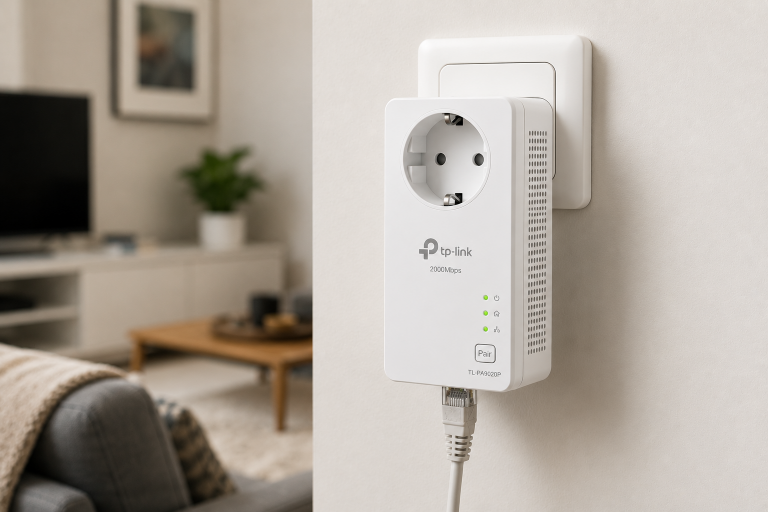
2. TP-Link TL-PA7027P — with pass-through socket
The same AV1000 performance, but each adapter has its own outlet on the front, so you can still plug in the TV or a power strip. It also has two Gigabit ports per adapter, handy for a TV and a console side by side.
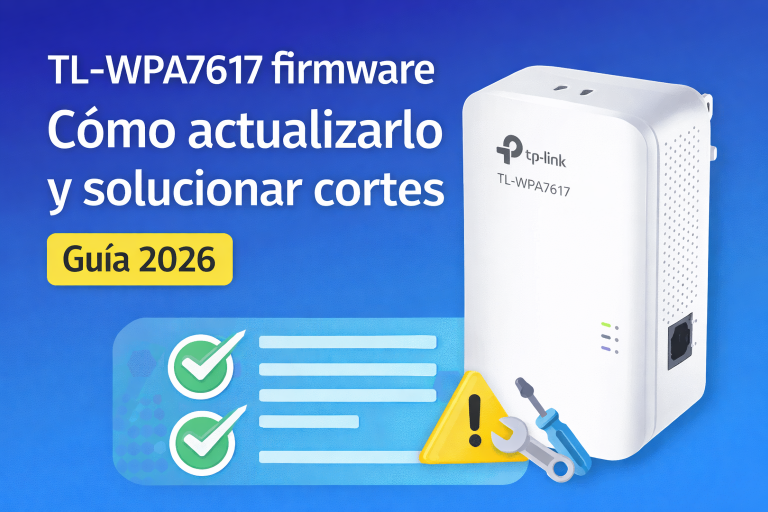
3. TP-Link TL-WPA7617 — with WiFi built in
The remote adapter also creates a WiFi network (AC1200, dual band) and has two Gigabit ports. It is the one to get when the room you need to cover has phones and laptops, not just a wired device. It copies your WiFi settings at the press of a button.
4. devolo Magic 2 LAN — for old or difficult wiring
It uses G.hn, a newer standard that handles old wiring, long cable runs and electrical noise much better than HomePlug. Expect around 400-600 Mbps in good conditions. It costs more and does not mix with HomePlug adapters, but it is the one to try if a cheaper kit has let you down.
Comparison table

| Model | Standard | Real-world speed | Best for |
|---|---|---|---|
| TP-Link TL-PA7017 | HomePlug AV2 | 200-400 Mbps | Console, TV or PC |
| TP-Link TL-PA7027P | HomePlug AV2 | 200-400 Mbps | Keeping the outlet |
| TP-Link TL-WPA7617 | HomePlug AV2 | 200-400 Mbps | WiFi in another room |
| devolo Magic 2 LAN | G.hn | 400-600 Mbps | Old or long wiring |
Real speed depends on the quality and length of your wiring and on noisy appliances on the same line. These figures are typical for wiring in good condition.
Which one to choose for your home
- Modern apartment or house: the TL-PA7017 is one of the best powerline adapters for this; clean wiring and a low price.
- Large or older home: start with a TP-Link kit and, if it is unstable, move to the devolo Magic 2.
- Need WiFi in that room: the TL-WPA7617.
- Gaming setup with a TV and console: the TL-PA7027P, for its two ports and the free outlet.
How to set up powerline adapters in 5 minutes
- Plug the first adapter into the wall next to the router and connect it with an Ethernet cable.
- Plug the second adapter into a wall outlet in the other room (straight into the wall, not a power strip).
- Wait about a minute: most kits pair on their own; if not, press the pair button on each one.
- Connect your TV, console or PC to the second adapter’s Ethernet port.
- Run a speed test on that device to see what your wiring delivers.
Powerline do’s and don’ts
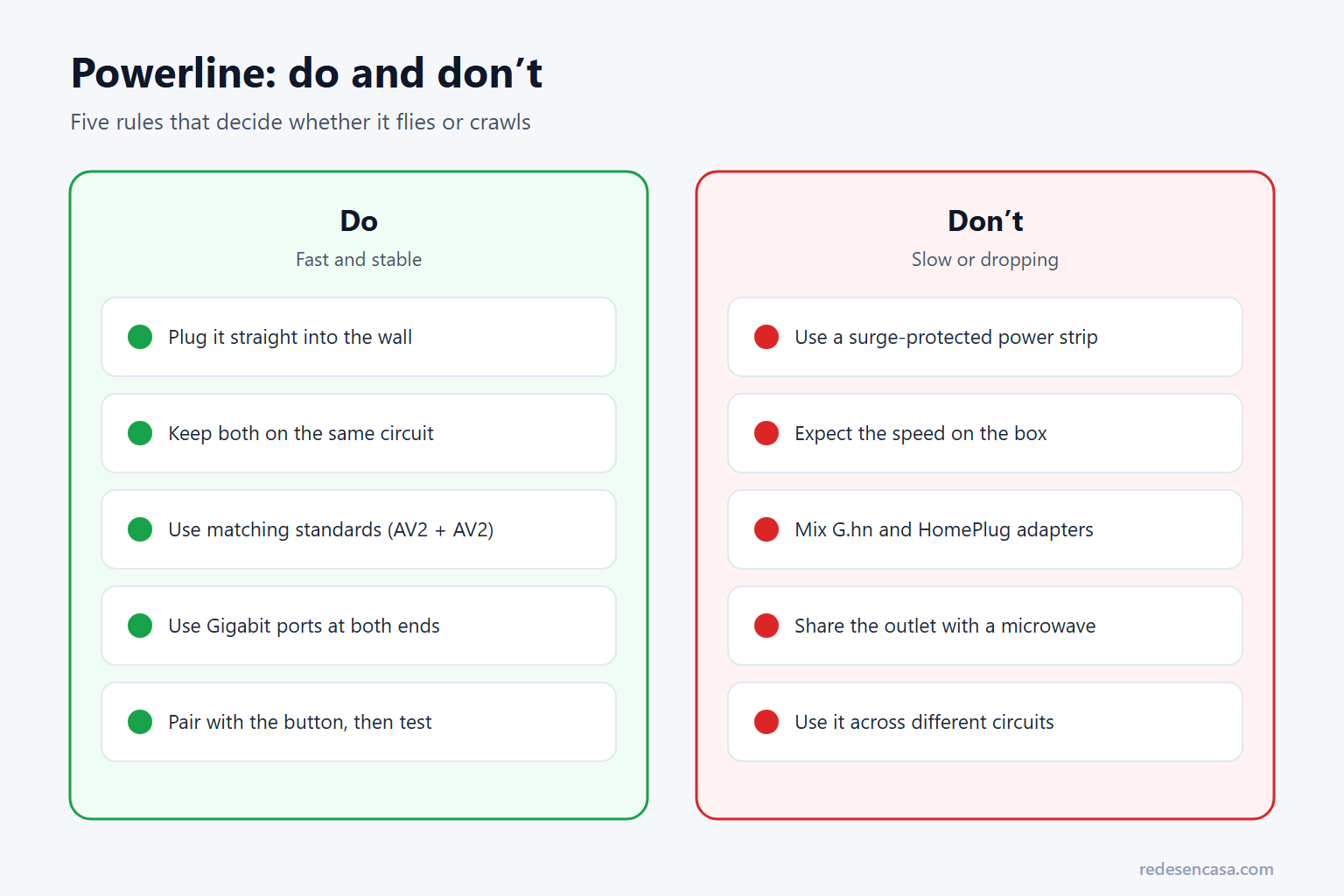
- Plug them straight into the wall. Surge-protected power strips filter out the signal and can halve the speed.
- Keep both on the same electrical circuit when you can. Across different circuits or breakers they may barely connect.
- Do not mix standards. HomePlug AV2 works with HomePlug AV2; G.hn (devolo Magic) only with G.hn.
- Keep noisy appliances away. Microwaves, washing machines and cheap chargers on the same outlet cause drops.
Powerline, extender or mesh?
If what you need is WiFi coverage for phones and tablets, an extender is cheaper and easier: see the best WiFi extenders. If the whole home has poor WiFi, a mesh system is the better fix: see the best WiFi mesh systems. And powerline can even link mesh nodes, as we explain in our Ethernet backhaul guide.
Best powerline adapters: frequently asked questions
Are powerline adapters better than WiFi extenders?
For a wired device like a console, TV or desktop PC, yes: powerline gives a more stable connection and lower ping. For WiFi coverage for phones and laptops, an extender is usually cheaper and simpler. Powerline adapters with built-in WiFi do both.
How fast are powerline adapters in real life?
An AV1000 kit usually delivers 200-400 Mbps, and a G.hn kit like the devolo Magic 2 400-600 Mbps, in wiring in good condition. The number on the box is a lab maximum you will not see at home.
Do powerline adapters work on different circuits?
Sometimes, but performance drops a lot. They work best with both adapters on the same circuit. If they are on different breakers, try other outlets in the same rooms before giving up.
Can I mix powerline adapters from different brands?
Only if they use the same standard: HomePlug AV2 with HomePlug AV2. G.hn adapters such as the devolo Magic range do not work with HomePlug ones. It is safest to stick to one model or brand.
Are powerline adapters good for gaming?
Yes. They give a near-cable connection with a stable ping, which is what matters for online games. Plug them straight into the wall and connect the console by cable to the adapter.
Conclusion
For most homes, the best powerline adapters are an AV1000 kit like the TP-Link TL-PA7017: cheap, simple and fast enough for 4K and gaming. Choose the TL-PA7027P if you need the outlet, the TL-WPA7617 if you also want WiFi, and the devolo Magic 2 if your wiring is old. Whatever you buy, plug both adapters straight into the wall and keep them on the same circuit.